What to do if water gets into your tablet: emergency guide

Accidents happen so quickly: has your tablet just fallen into water or been splashed with liquid? The first few minutes are crucial to maximize your chances of saving your device. Here’s a practical guide to responding effectively to this emergency situation.
Immediate Emergency Actions
Turn off the device immediately. Press and hold the power button until it turns off completely. If the tablet stops responding and the battery is removable, remove it. This prevents short circuits that could permanently damage the internal components.
Disconnect all accessories: charger, headphones, memory card. These items can conduct electricity and worsen the damage. Also remove the protective case, which could trap water against the device.
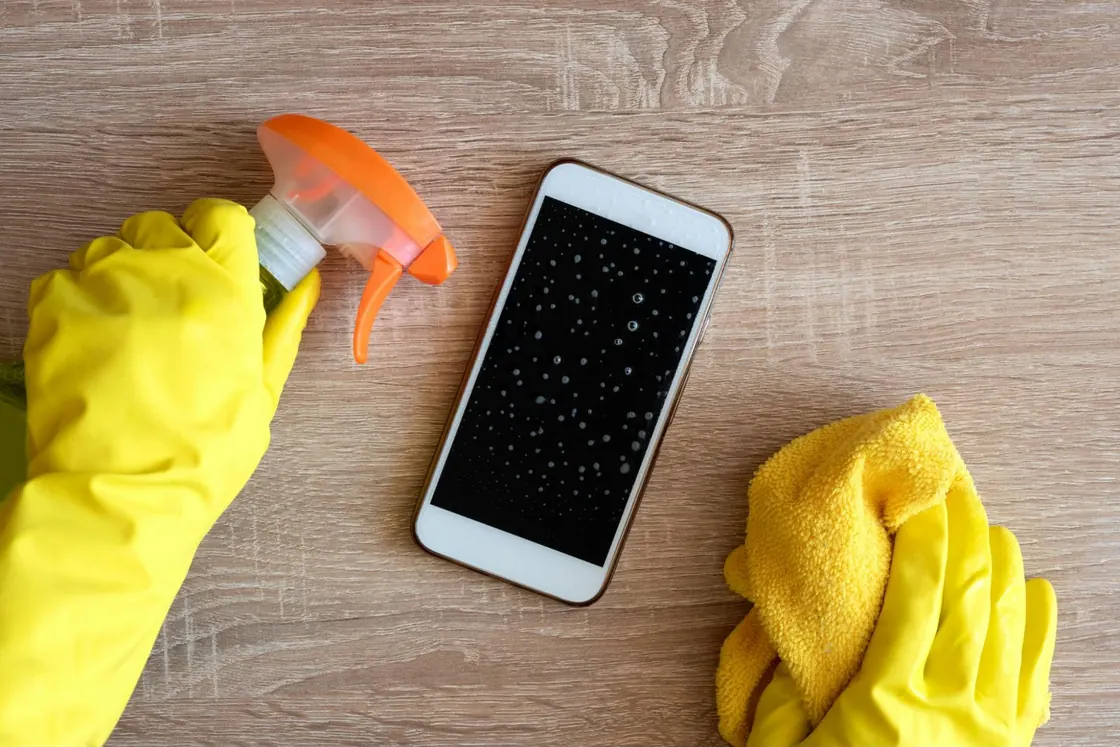
Dry the exterior with a clean absorbent cloth. Dab gently without pressing hard, to avoid forcing more liquid into the openings.
Drying Actions
Position the tablet correctly. Place the device vertically or at a slight angle, screen down, to encourage the liquid to drain by gravity. Avoid shaking it at all costs, as this could spread water onto undamaged components.
Use absorbent materials. Gently wrap the tablet in paper towels or clean towels. Replace these materials regularly when they become damp.
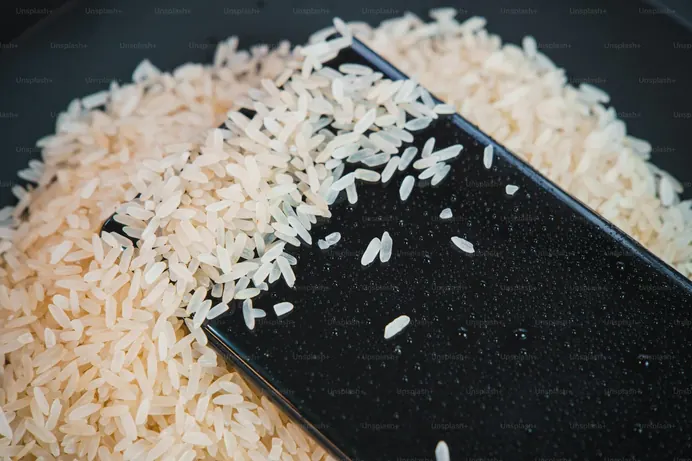
Dry Rice Method. Place the tablet in an airtight container filled with uncooked rice, making sure the grains do not enter the holes. The rice acts as a natural dehumidifier. Let it sit for at least 24 to 48 hours.
Mistakes to Absolutely Avoid
Never turn the device back on until it has completely dried for at least 48 hours. Prematurely checking whether the tablet is working can cause fatal short circuits in salvageable components.
Avoid direct heat: hair dryers, radiators, and ovens. Excessive heat can melt plastic components and damage the battery. It can also cause condensation in inaccessible areas.
Do not use a vacuum cleaner on any openings. Static electricity can damage sensitive electronic circuits.
Professional intervention
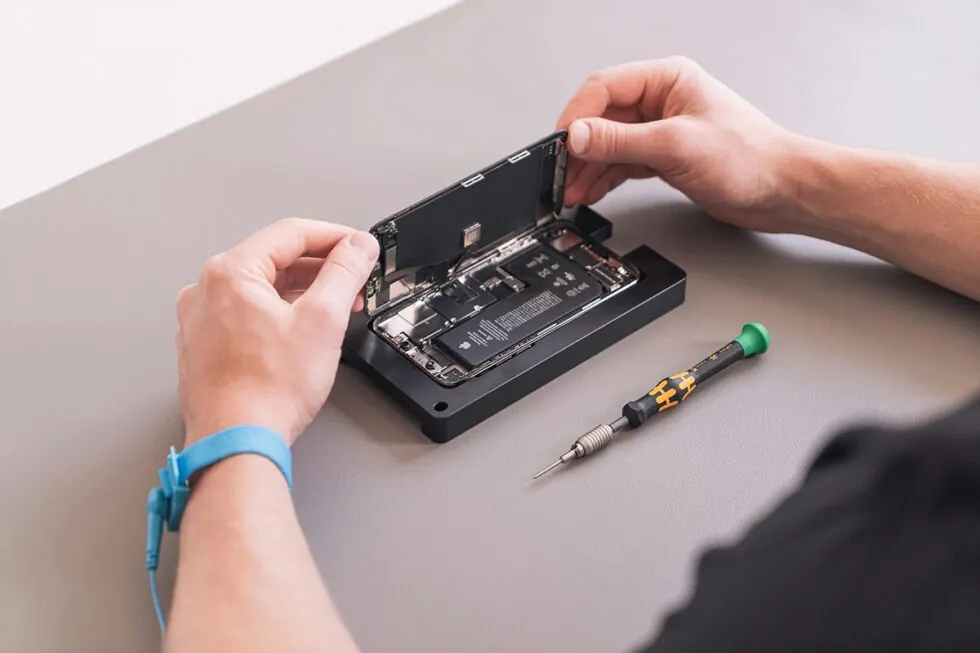
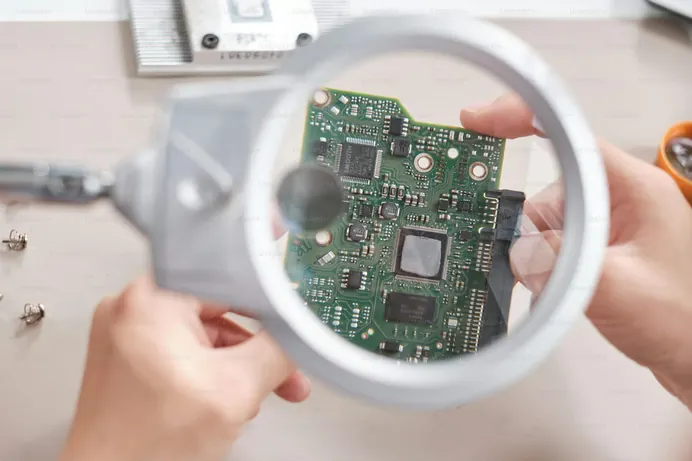
Quickly consult a specialist repairer if the exposure lasted several minutes or if the tablet was turned on during the incident. Professionals have specific drying equipment and can disassemble the device to clean the internal components.
Also contact a professional for sweet or salty liquids that leave corrosive residues requiring a thorough technical cleaning.
Post-Drying Assessment
After 48 to 72 hours of drying, cautiously attempt to turn the device back on. Start by connecting it to the charger to check if the battery accepts a charge. If any malfunctions occur, turn off the device immediately and consult a specialist.
Even if the tablet is functioning normally, monitor its behavior over the next few weeks. Corrosion problems may gradually appear.
Speed of action largely determines your tablet’s chances of recovery after water infiltration. Contact us by clicking: