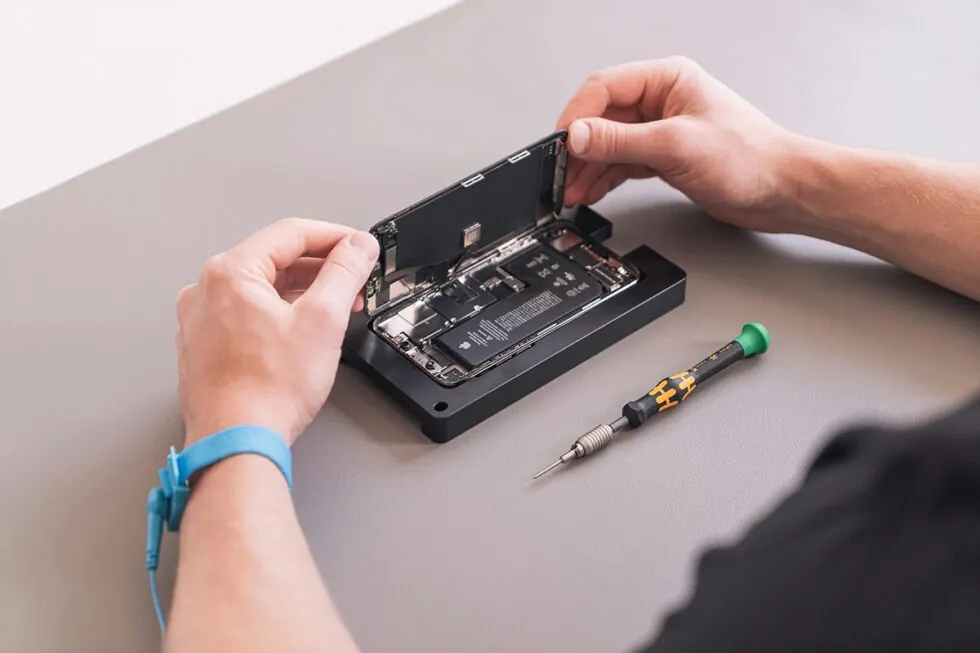







Cell phone repair in Laval: complete guide to choosing the best service
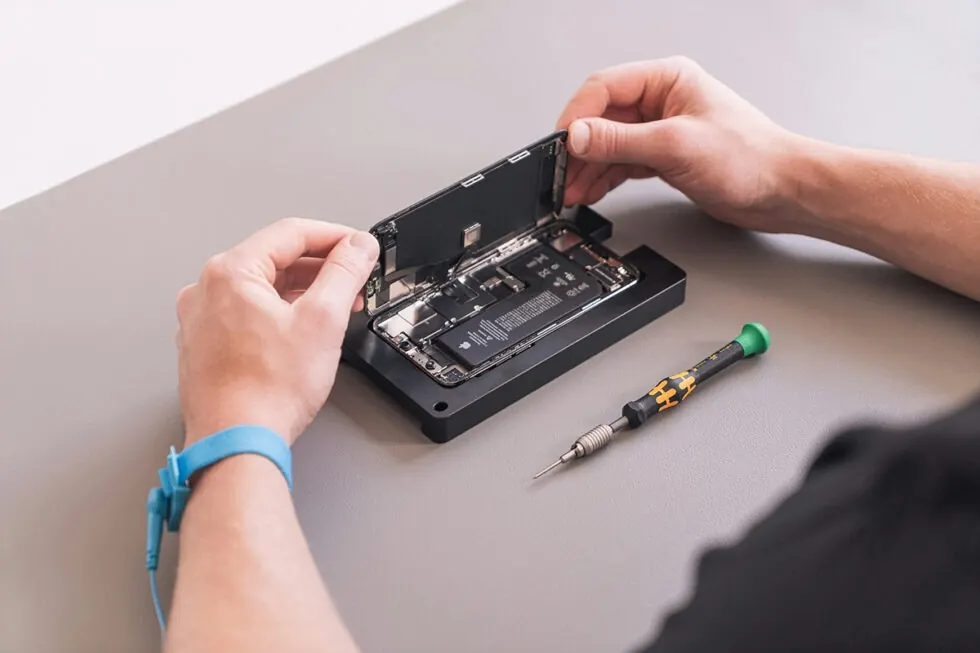
Your phone won’t turn on, its screen has cracked or its battery can’t hold a charge. In Laval, you’re looking for a quick solution to get your phone back in use without having to replace it. Faced with the various repair services available, you’re wondering who to trust and how to choose the best option.
This guide will help you understand what’s involved in reliable cellular repair, the criteria to check and the mistakes to avoid, so you can make an informed decision.
Key points to remember
- Free diagnostics and parts warranty limit unpleasant surprises
- Repairing an appliance extends its lifespan and reduces electronic waste
- Transparency, part quality and technician expertise are key criteria
- Certified quality parts ensure top performance after repair
What cellular repair really means
A cellular repair involves diagnosing and correcting a technical problem on a smartphone or tablet. This includes replacing faulty components, repairing physical damage or optimizing software.
The most common faults are a cracked screen, a battery that won’t hold, a faulty charging port, unresponsive buttons or a device that refuses to switch on. These problems can often be solved without replacing the entire device.
A professional service begins with a diagnosis to identify the source of the fault. Once the problem has been confirmed, the technician proposes a solution with a clear quotation.
Repairing extends the life of your device and avoids a costly purchase. In Quebec, more than 19,400 tonnes of electronics were recovered in 2024 Recycler mes électroniques, illustrating the importance of repairing rather than throwing them away. Since 2023, the target recovery rate for cell phones in Quebec has been 25% RECYC-QUÉBEC, a goal that underscores the urgency of extending the life of devices.

What criteria really count before choosing
The quality of the parts used determines the durability of the repair. Check that the parts used are original or compatible parts of certified quality. Cheap components often create new problems.
Technician expertise makes all the difference. Choose a service where professionals are trained and use precision tools. A good technician will explain the problem clearly and suggest appropriate solutions.
The warranty protects against manufacturing defects or malfunctions after the work has been carried out. A warranty lasting several months shows that the repairer has confidence in his work.
Time to repair matters. Routine repairs are usually completed in less than an hour if parts are available. This means you won’t be without a device for long.
Transparency is reassuring. A good service explains each step, offers a free diagnosis and presents a detailed estimate before starting.
Common mistakes to avoid
Never entrust your appliance to a service that refuses to provide a diagnosis prior to intervention. You could be surprised by the cost or nature of the repairs.
Avoid services without a warranty. You’ll have no recourse if the problem returns quickly.
Don’t choose by price alone. Poor-quality parts or unskilled labor can aggravate the damage and cost you more.
Beware of unrealistic deadlines. A service that promises to fix a complex problem in a few minutes without diagnosis is likely to compromise quality.
Always ask for details of the parts used. Some repairers install uncertified components that reduce performance or create new malfunctions.
What action to take depending on your problem
| Situation | What this means | What to do |
| Cracked screen but functional unit | Physical damage limited to the surface | Replace the screen quickly to prevent cracks from getting worse |
| Battery drains very quickly | Normal wear and tear after prolonged use | Replace battery to restore original autonomy |
| Device no longer charges or charges slowly | Damaged or dirty charging port | Free diagnosis to check whether cleaning or replacement is sufficient |
| Phone no longer lights up | Complex software or hardware problems | Immediate consultation for full diagnosis |
| Unresponsive buttons | Internal component faulty | Targeted repair of the affected component |
What to do before handing over your appliance
Back up your important data. Even if the repair should not erase your information, create a backup copy of your photos, contacts and files.
Make a note of your password and temporarily disable the biometric locks if the technician needs to test the device after repair. This facilitates verification.
Remove your SIM card and memory card if you wish. This protects your personal data.
Ask for a free diagnosis before accepting the repair. A good service takes the time to assess the problem and explains it clearly.
Confirm the repair time and warranty offered. You’ll know when to collect your device, and you’ll be protected in the event of a problem.
Best practices for extending service life
Protect your device from the outset with a protective shell and screen protector to absorb shocks. Avoid exposing your phone to extreme temperatures, as excessive heat or intense cold will damage the battery and internal components. Regularly clean the charging port carefully to remove dust and debris that can cause connection problems.
Adopt good charging habits and avoid letting your device discharge completely repeatedly, which reduces battery capacity over the long term. Install operating system updates as soon as they become available to correct bugs and optimize performance. If you need to replace your device, recycle it responsibly via RECYC-QUÉBEC ’s network of official drop-off points, where you can safely bring your electronic equipment.
Make an informed decision
Having your phone repaired in Laval rather than replaced is a practical and responsible decision. By choosing a service that offers free diagnosis, quality parts, certified expertise and a solid warranty, you’ll be back with a working device. Routine repairs are completed quickly, often in less than an hour.
The key is transparency of process and quality of service. A good repairer takes the time to explain the problem, proposes appropriate solutions and guarantees his work.
Need help with your device?
If you’re not sure which repair is right for your situation, or if you’re hesitating between repairing and replacing your unit, our team can help you understand your options and recommend the best solution. We’ll assess your unit and clearly explain what can be done.
Contact us for information about your type of device.
Frequently asked questions
How long does a phone screen repair usually take?
Most screen repairs take 30 to 60 minutes if the part is in stock. Some newer or less common models may require a few extra hours.
Does the repair invalidate the manufacturer's warranty?
If your device is still under manufacturer’s warranty, check the conditions before carrying out any independent repairs. Some warranties exclude service outside the authorized network.
Can I have a leaking appliance repaired?
Yes, but success depends on the speed of intervention and the extent of the damage. Switch off the appliance immediately and take it in for diagnosis, without trying to relight it.
Are replacement parts as reliable as the originals?
Good-quality, certified compatible parts offer comparable performance to the originals. Ask the repairer what quality parts he uses and what warranty he offers.
What should I do if the problem recurs after the repair?
Contact the repair service immediately. A warranty of several months should cover any defects or malfunctions related to the intervention. A good repairer will correct the problem at no extra cost.