

Spring cleaning: free up your phone's storage space
Your phone displays ” storage almost full ” at the worst possible moment, just before taking an important photo or downloading an essential application. This frustrating message affects millions of users every year.
Spring is the perfect time to sort out your device. This article gives you a step-by-step guide to freeing up space on your iPhone or Android phone, without losing your precious memories or important data.
Key points to remember
- A saturated phone slows down and may stop working properly
- Photos, videos and applications are the three main reasons for lack of space
- Cloud backup frees up space without losing your files
- Regular cleaning extends the life of your appliance
- Professional diagnosis can identify hidden problems if storage remains inadequate
Why is your phone running out of space?
Photos and videos generally account for most of the space used on a mobile device. Applications and their data take up the rest. Some apps, such as social networks, store temporary files that quickly swell without you even realizing it.
A saturated phone doesn’t just display error messages. It becomes slow, applications crash, and security updates can no longer be installed. A saturated phone doesn’t just display error messages. It becomes slow, applications crash, and security updates can no longer be installed. According to the Canadian Cyber Security Centre, keeping your device up to date is essential to protect against vulnerabilities, which becomes impossible when storage is saturated.
What are the signs of a storage problem?
| Situation | What it means | What to do |
| Frequent "storage full" messages | Less than 10% free space | Immediate cleaning required |
| Applications that crash | Insufficient memory to function | Delete unused apps |
| Unable to take photos | No space available | Transfer photos to the cloud |
| Very slow phone | System overloaded | Complete cleaning recommended |
| Impossible updates | Insufficient download space | Free up at least 2-3 GB |
How do you check the available space on your device?
On iPhone: Go to Settings → General → iPhone Storage. You’ll see a colored bar showing what’s taking up space: apps, photos, messages, system.
On Android: Go to Settings → Storage. Samsung, Google Pixel and other brands display similar categories.
This overview enables you to quickly identify large files for priority deletion.

The stages of the digital housecleaning
Step 1: Sort through your photos and videos
Start by removing blurred photos duplicates and unnecessary screenshots. A video lasting a few minutes can take up several hundred megabytes.
Then transfer your important memories to a cloud storage service like Google Photos or iCloud. These services let you keep your files online and delete them from your phone while still having access to them.
Step 2: Uninstall unused applications
Check your list of applications. Applications you haven’t opened in three months can usually be deleted. On iPhone, the “Unload unused apps” function preserves your data while freeing up space.
Step 3: Empty temporary files and cache
Web browsers and some applications accumulate temporary files. On Safari, go to Settings → Safari → Clear history and data. On Android, each app can be cleaned individually via Settings → Applications → Storage → Empty cache.
Step 4: Clean up messages and attachments
Conversations with shared photos and videos take up a considerable amount of space. WhatsApp, Messenger and iMessage automatically store incoming media. Delete old conversations or bulky attachments.
Common mistakes to avoid
- Delete without saving: make sure your important photos are copied elsewhere before deleting them.
- Ignore system messages: the “storage full” message is not just a warning, it affects the operation of your device.
- Install dubious cleaning apps: some applications promise to free up space but add ads or unwanted software.
- Forget the “Recently deleted” folder: deleted photos remain in this folder for 30 days and continue to occupy space.
Best practices to avoid saturation
Adopt these simple habits to keep your phone in good condition:
- Activate automatic cloud backup for your photos
- Sort your files quickly every month
- Disable automatic media download on WhatsApp and Messenger
- Regularly check the available space in your settings
- Prefer “Lite” versions of space-hungry applications
According to Recyc-Québec, extending the life of your electronic devices is a concrete way to reduce waste, and a well-maintained phone lasts longer.
When should you consult a professional?
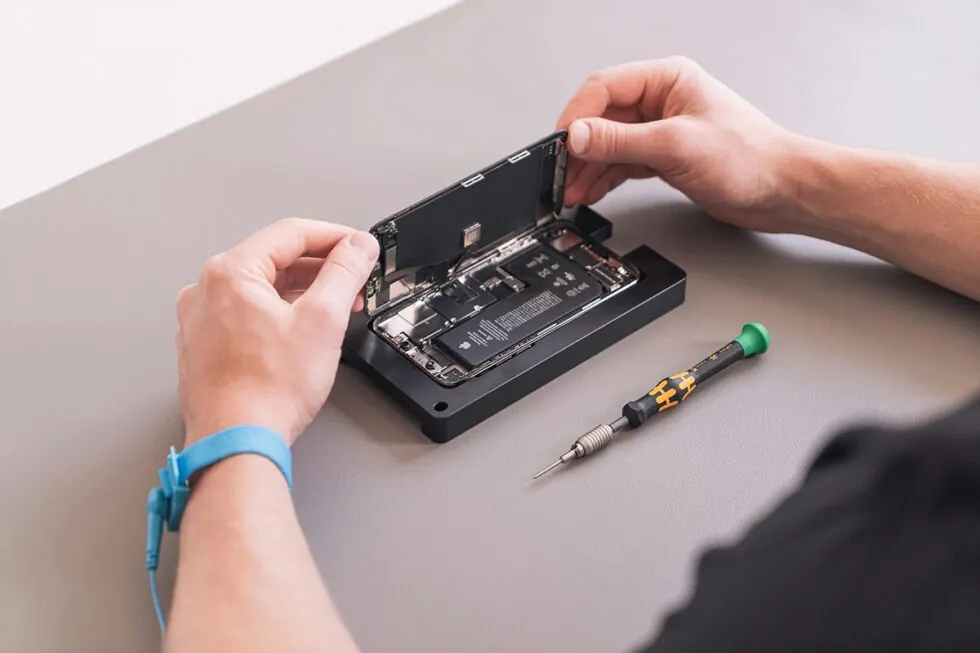
If, despite cleaning, your phone remains slow or still displays insufficient storage messages, a professional professional diagnosis may reveal other problems: a tired battery, a corrupted system or faulty components.
A technician can also help you transfer your data safely if you’re thinking of upgrading to a refurbished phone, an economical and environmentally-friendly option.
Your phone deserves a fresh start
Digital spring cleaning is a simple habit that extends the life of your device and improves your daily experience. In just a few minutes, you’ll be back on the road to a fast, functional phone.
If the problem persists, or if you prefer to leave the task to the experts, our team can assess the condition of your device and advise you on the best options, whether it’s a thorough cleaning, a battery replacement or a refurbished phone.
Come and see us
Need help freeing up space or checking the condition of your phone? Our technicians offer a free diagnosis at our Mont-Royal and Saint-Eustache branches. No appointment, no obligation.
Contact us if you have any questions!
Frequently asked questions
Can cleaning my storage damage my phone?
No. Deleting files, photos or applications does not damage your device. Just make sure you back up your important data before deleting it permanently.
How much space do I need to keep my phone running smoothly?
Ideally, keep 10-15% of your total capacity available. This allows the system to function properly and install security updates.
Are cloud services safe for my personal photos?
Yes, Google Photos and iCloud use encryption to protect your data. Activate two-factor authentication for maximum security.
My phone is old, is it worth cleaning?
Absolutely. A good cleaning can bring a three- or four-year-old machine back to life. If performance remains inadequate, a diagnosis can identify whether a repair is possible.
Can I recover files deleted by mistake?
On iPhone, check the “Recently Deleted” folder in Photos, files remain there for 30 days. On Android, Google Photos offers a similar function. After that, recovery becomes difficult.